How a Planned Order Works: From Your List to Your Doorstep
Plan your week, send the list to a store near you, and know what happens next.
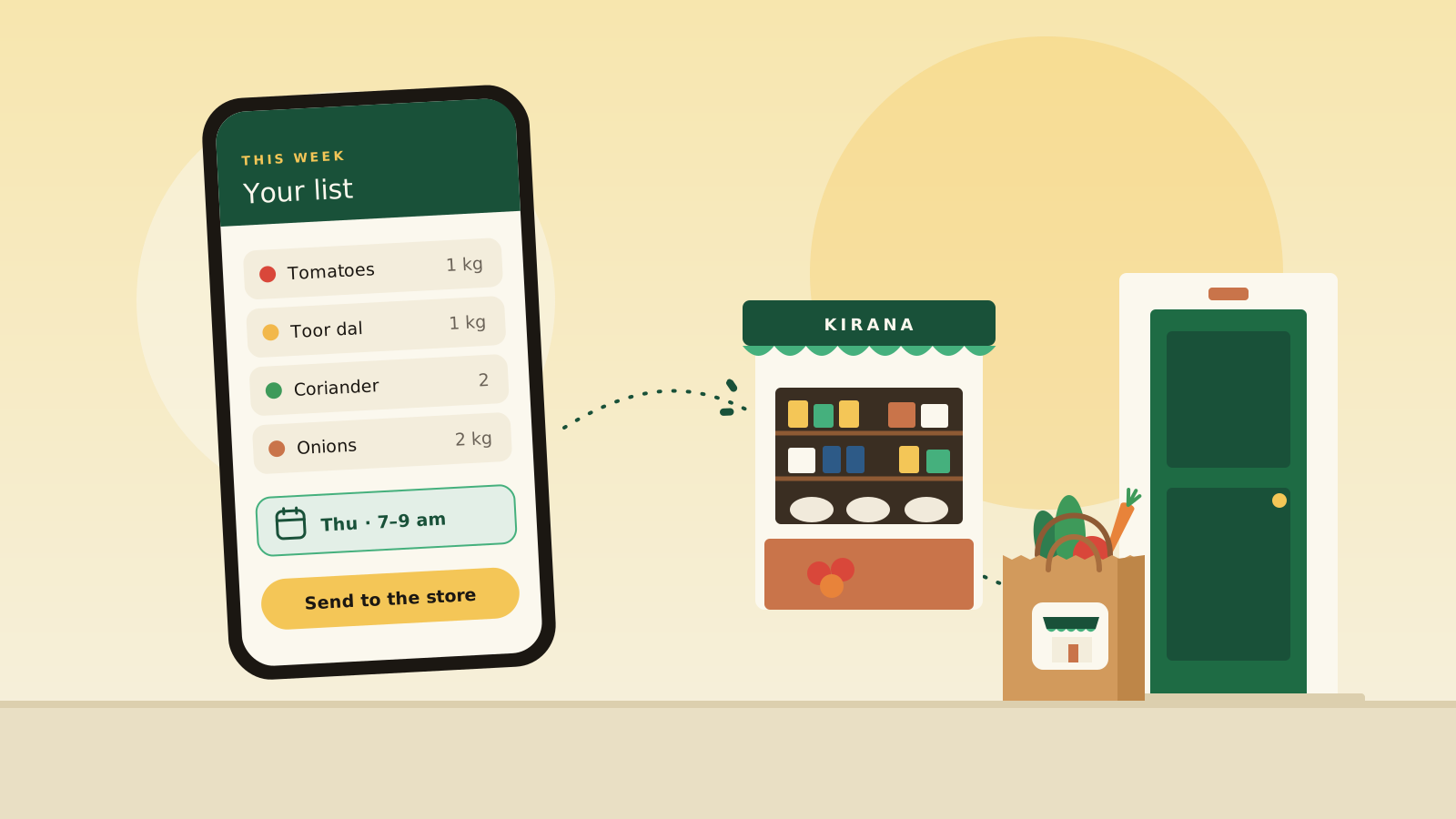
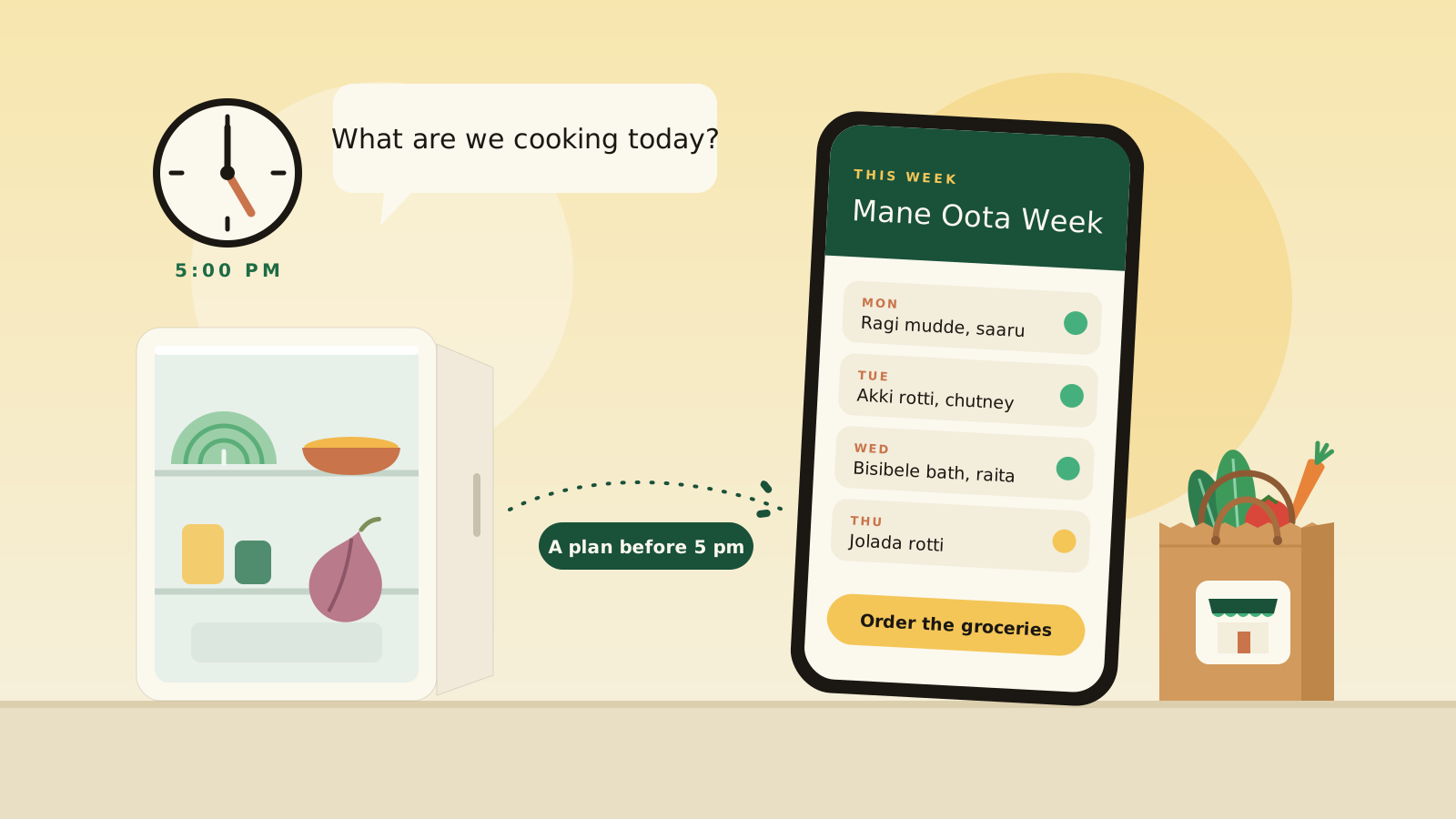
Most of us shop for groceries the same way. The list lives in one place, the trip or the app is somewhere else, and we hope the store has what we need. A planned order works differently. You make the list ahead of time and send it to a neighbourhood store for a day and slot you choose. The store buys what your order needs. This article walks through what happens, step by step, and what to expect when something doesn’t go to plan.
If you want the idea behind it, Part 1 explains why neighbourhood stores do better when they know what households plan to buy before they buy stock.
What you get
- A plan for the week, and a list built from it Start from a ready-made meal plan, or build a list item by item.
- A store near you Your order goes to a neighbourhood store, not a distant warehouse.
- A day and slot you choose Pick your address, day and slot on one page.
- A clear price before you order The price in your cart is the store's current price, and the checkout page shows exactly what you'll pay before you place the order.
- Pay only for what arrives If the store can't pack an item, you don't pay for it.
- Help when you need it A chat assistant that knows your order can answer questions about delivery times, payments and refunds, and move your order to another day or slot.
- A kitchen check before you order So you don't buy what you already have.
These describe what you can do. We are not promising savings, because we have not measured them.
How a planned order works, step by step
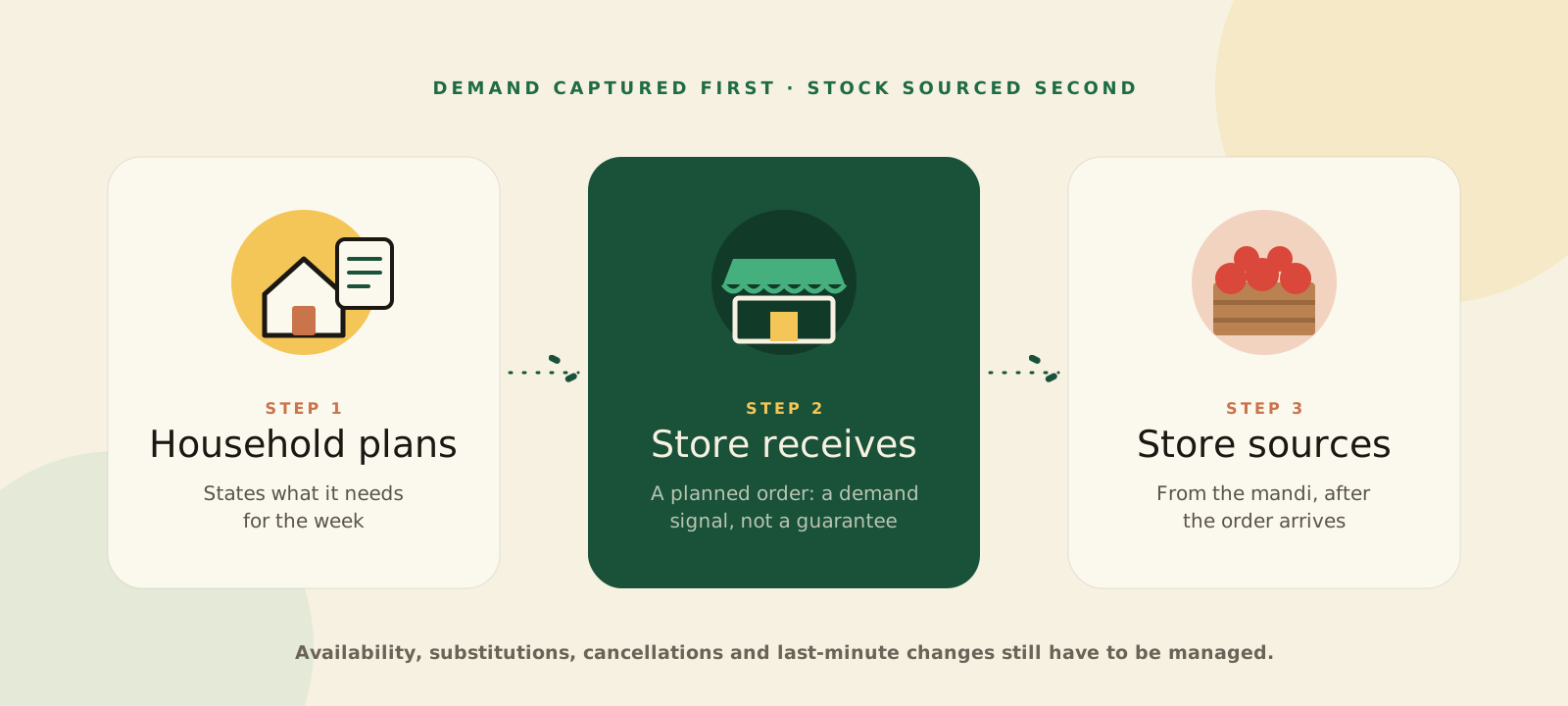
- You plan.Build a list from a week's meal plan or item by item.
- You send it to a store.Choose a neighbourhood store and a delivery day and slot. Orders for a day close at 11 pm the night before, or at the store's own cutoff. You can cancel until orders close.
- The store gets your order.The owner receives an SMS and a notification in the ShopConnect store app, and confirms the order there.
- The store buys to the orders.After orders close, the store's app adds up the next day's orders item by item, so the owner knows what to buy before going to the mandi or the distributor.
- Your groceries arrive.The store delivers in its delivery slot, or you collect from the shop. You can pay online by card, UPI or netbanking, or pay cash or UPI at the door.
Questions households ask
- What if an item isn't available?
- The store marks what it couldn't pack, and you pay only for what arrives. For a cash order, the total drops straight away. For an order paid online, the missing item is refunded.
- Can the store swap an item for another one?
- For orders you build item by item, not yet. There is no step for a store to suggest a replacement and for you to approve it, so an item the store can't get is marked as short. For groceries from a meal plan, a swap is possible only where the recipe's ingredient is linked to more than one product.
- What if something is wrong when it arrives?
- Report it in the help chat, item by item with photos, for up to 7 days after delivery. The store's answer comes back to the same chat, and you can ask about your refund's status there.
- Can I change my delivery day?
- Yes. Ask the help assistant to move your order to another day or slot. You can also cancel until orders close.
- Will the order update after I place it?
- Yes. Your open order updates by itself when the store changes its status, and a notifications screen keeps your updates in one place.
- Where can I order?
- Grocery ordering is currently available in Indiranagar, Bengaluru.
- Why plan ahead?
- When you plan, the store learns what households need before it buys. That helps the shop buy what is actually wanted instead of stocking on a guess. It also gives you one list, one order and one day to expect your groceries.
A planned order is a heads-up for the store, not a guarantee. Items can be unavailable, plans can change, and the store still has to manage that. This is a soft launch in Indiranagar, and we have no published results yet. We want to learn whether households start a plan, complete their first order and come back to plan the next week.
Try it this week
Pick a day, build a list and send it to a store near you.
Plan for my householdPart 3 explains what the Indiranagar pilot asks of a store and how we will measure it.
Read Part 3Write to the team building ShopConnect.
Store owners, households, distributors and brands: we read every message.