Inside the Indiranagar Pilot: What We're Testing, and What It Means for Your Store
How a kirana receives planned orders, what we measure, and what could go wrong.
If you run a kirana in Indiranagar, this is the plain version of what we are asking you to try, and how we will know whether it works for you.
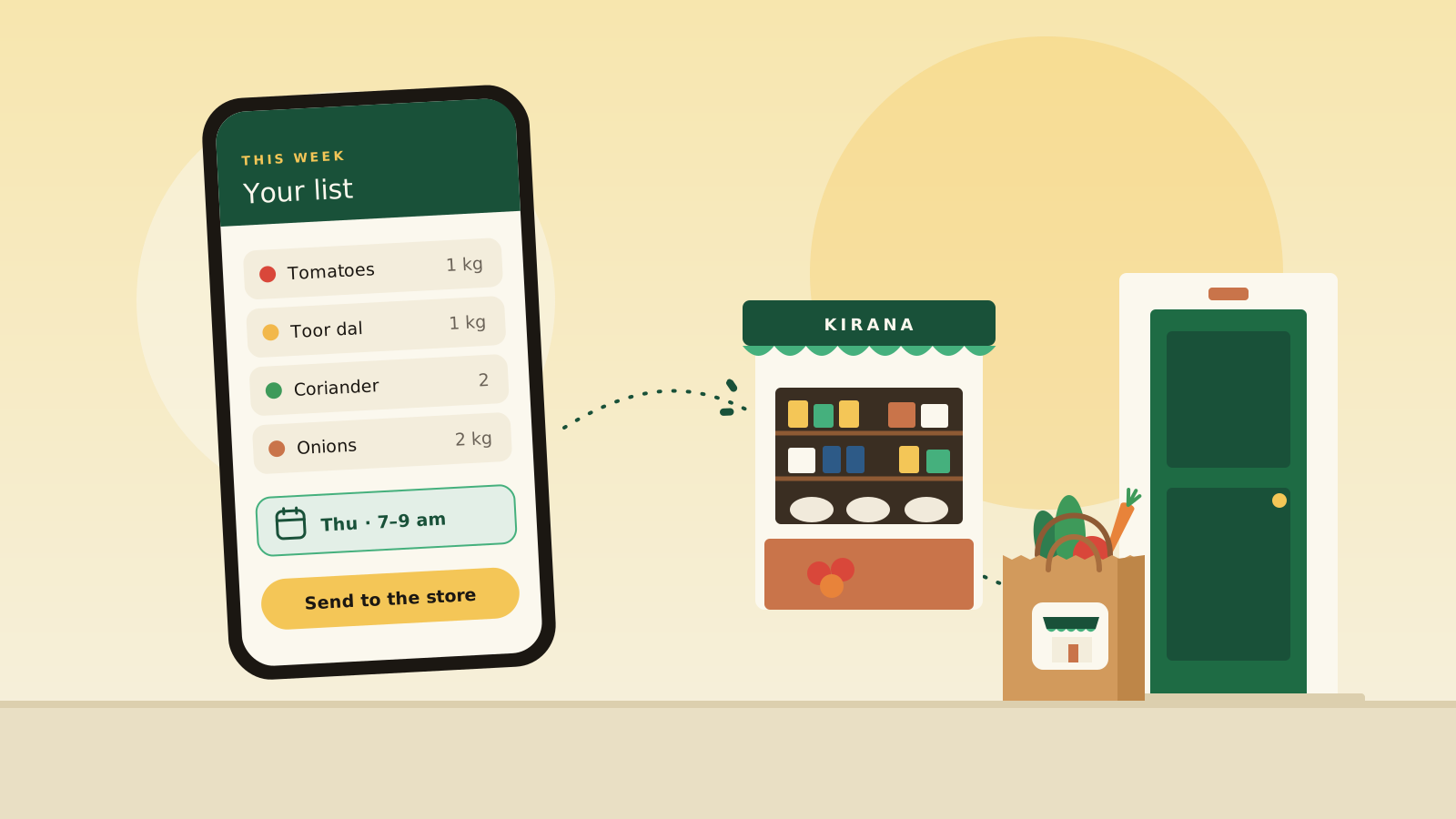
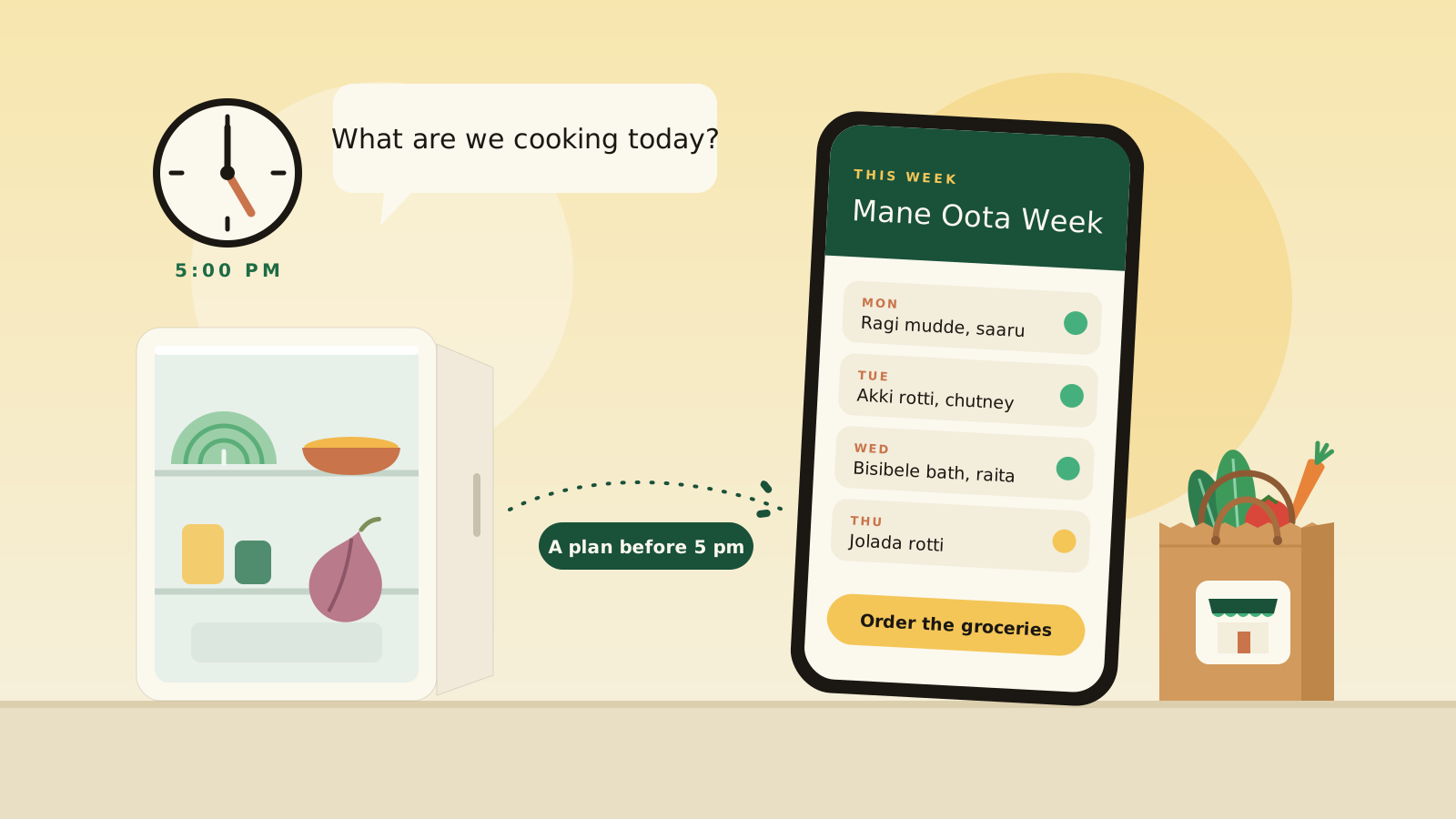
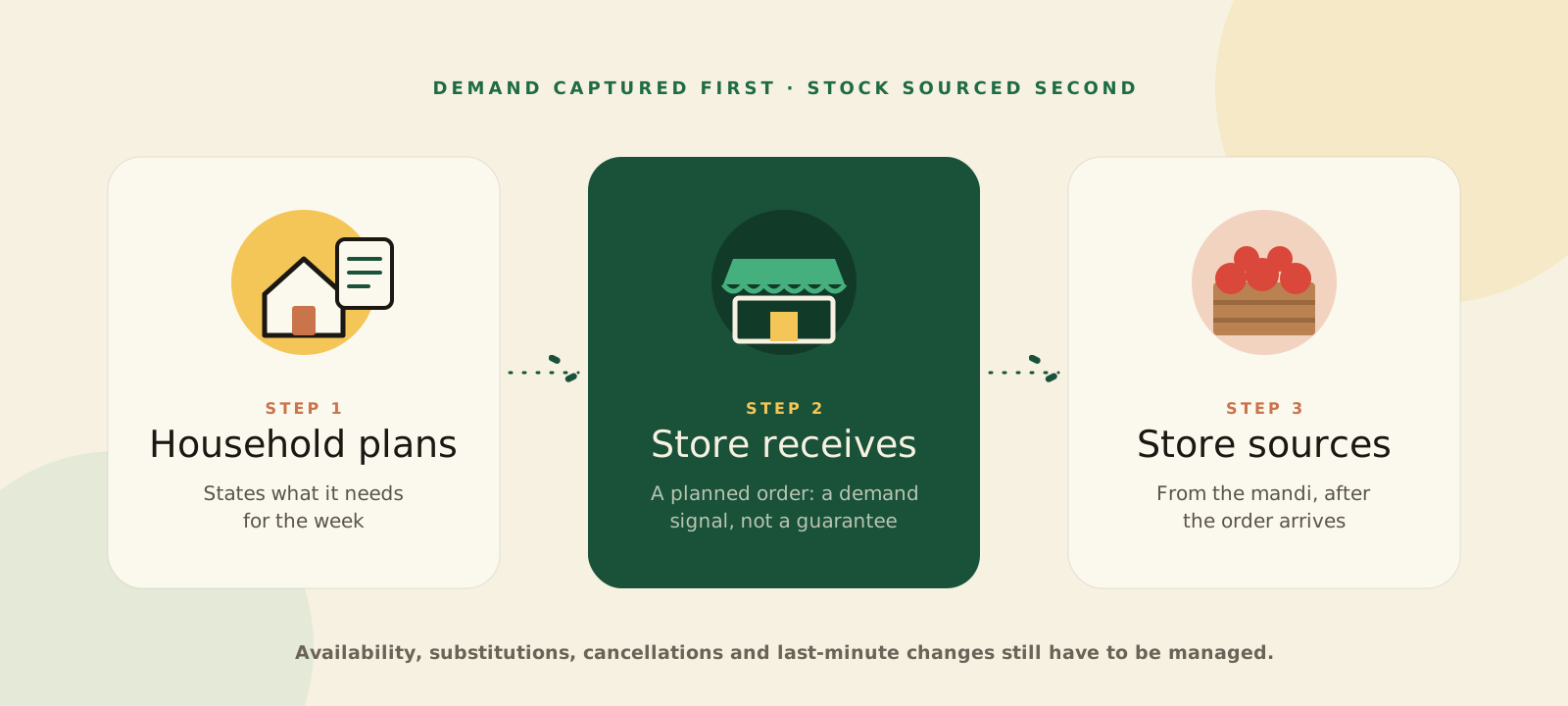
Here is the idea from Part 1 in one line: a neighbourhood store does better when it knows what households plan to buy before it buys the stock. Indiranagar is where we test whether that is true.
What your day looks like
- Through the dayOrders arrive
- 11 pm, or your cutoffOrders close
- NightThe app totals tomorrow's orders
- MorningYou buy to the orders
- Your slotYou pack and deliver
- At the doorYou get paid
- Orders arrive. Households send planned orders for a delivery day. Orders for a day close at 11 pm the night before, or at your own cutoff. You get an SMS and a notification in the ShopConnect store app, and you confirm each order there.
- You see what to buy. Once orders close, the app adds up the next day's orders item by item, so you know what to buy before you go to the mandi or call your distributor.
- You buy to the orders. You buy what the day's orders need, after they have arrived, instead of stocking on a guess.
- You pack and deliver. You deliver in your delivery slot, or the household collects from your shop. Orders refresh when you open them and when a notification arrives, so a cancellation shows straight away.
- If you can't supply an item, mark it as not packed. The customer's bill is lowered straight away, and the household pays only for what arrives.
- If a customer reports a problem, you can approve or decline each item separately. You see what they were concerned about, such as poor quality, and their photos.
- If a customer changes the delivery day or address, you are notified.
- Getting paid. You collect cash or UPI at the door.
What we are testing
We are asking six plain questions.
- Do you get extra orders?Orders that would not have happened otherwise, not just orders moved from another channel.
- Do planned orders turn into completed orders?We look at cancellations and items you couldn't supply.
- Do you earn more?Your margin after the cost of buying, packing and delivering.
- Is less cash tied up in stock?We look at stock you hold, and at anything that spoils or goes unsold, where we can measure it.
- Can you keep up?How reliably you fulfil orders, how long buying takes, and how many small payments you have to handle.
- Do households come back?Repeat orders over a set period.
For you, the question is not just whether more orders arrive. It is whether you can fill them reliably, at a margin that works, without tying up more cash or adding more work than the shop can handle.
What could go wrong
We would rather tell you now.
- Buying after the order may turn out to be too slow.
- Handling many small orders and payments may cost more effort than it earns.
- The orders may be too small to matter.
- For orders a household builds item by item, a store cannot yet suggest a replacement, so an unavailable item is marked as short. For groceries from a meal plan, a swap is possible only where the recipe's ingredient is linked to more than one product.
Once we have a starting point and a set period, we want to share what we learn, including what does not work.
What we ask of you, and what you get
- use a smartphone with the ShopConnect store app;
- confirm orders and keep to the cutoff; and
- mark items you can't pack.
- orders from households near your shop; and
- a view of what they need before you buy.
Stores can also refer households.
Join the Indiranagar pilot
Receive planned orders from households near your shop in Indiranagar or a nearby neighbourhood, and see what they need before you buy.
Message us on WhatsApp How it works for storesPart 2 explains how a planned order works from a household's side.
Read Part 2Work in distribution or FMCG? We would value your view too: write to info@nvipani.com.
Write to the team building ShopConnect.
Store owners, households, distributors and brands: we read every message.