Pick a Weekly Meal Plan, Make It Your Family's, and Order the Groceries
Less time deciding what to cook. More time enjoying the meals you planned together.
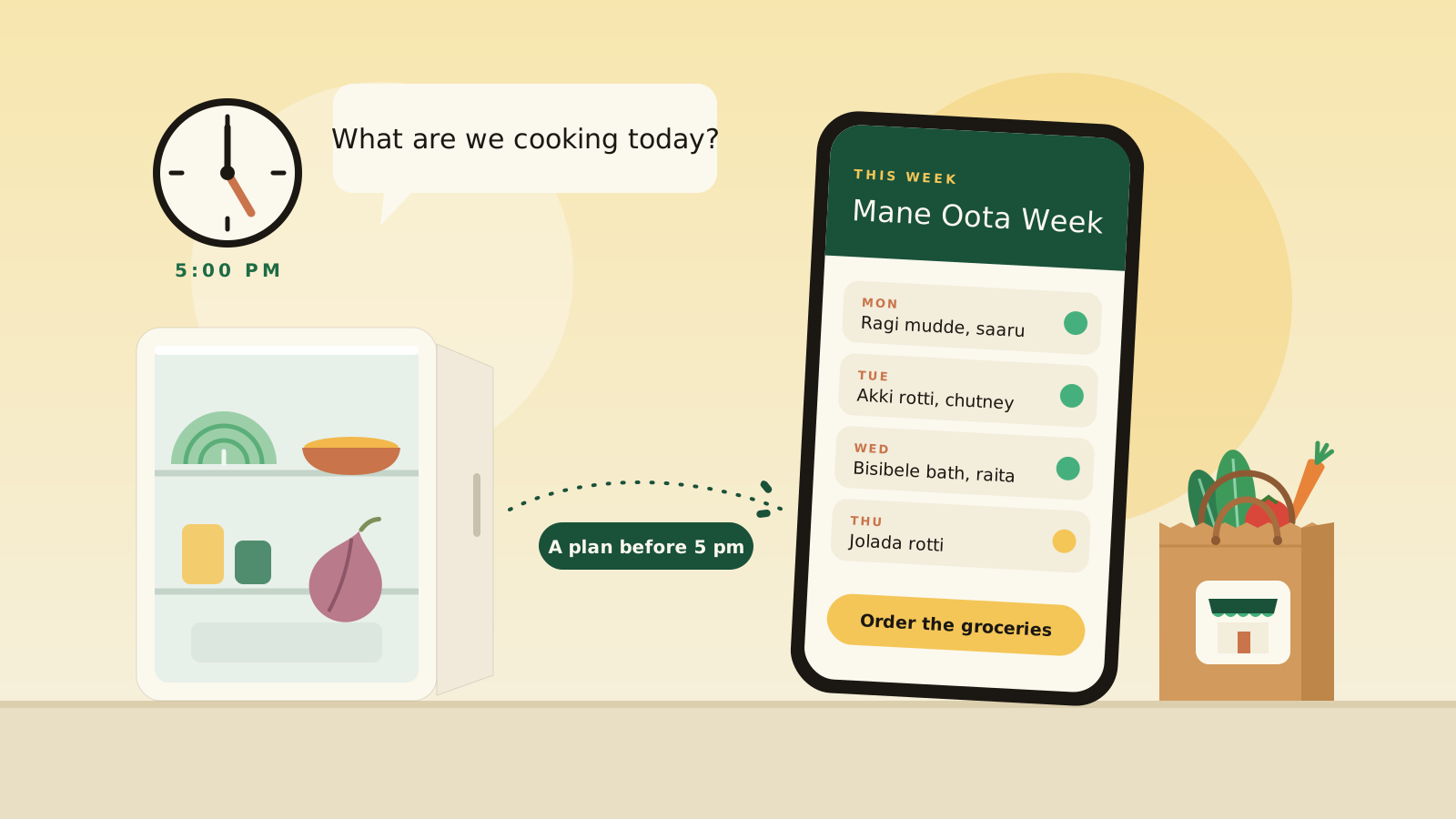
It’s 5 pm. Someone at home asks, “What are we cooking today?”
You open the fridge. There’s half a cabbage, some dal and an onion that has seen better days. Someone suggests Tuesday’s dish. Someone else suggests ordering in.
Most families answer that question every single day, and the answer usually comes when everyone is tired.
We want to eat well. We want some variety through the week. We want to think about what the children will eat, what the adults prefer and what the elders at home might need. But between work, school, household responsibilities and everything else, planning meals can easily become another daily task.
This is not a failure of discipline. It is a planning problem, and a plan needs to exist before 5 pm.
That’s what we wanted to make easier with the new ShopConnect meal plan templates.
Why we built templates
Earlier versions of ShopConnect used AI to generate recipes for your week. That gave households a lot of flexibility, but there was a catch: you still had to review the recipes, make adjustments and put the week together.
We realised that flexibility alone wasn’t enough. Families also needed a good starting point.
What if you could begin with a ready-made week of meals, look through it, change the dishes you don’t want and keep the ones you like?
That’s why we’ve introduced weekly meal plan templates. Instead of starting with a blank week, you can choose a plan that suits your household and make it your own.
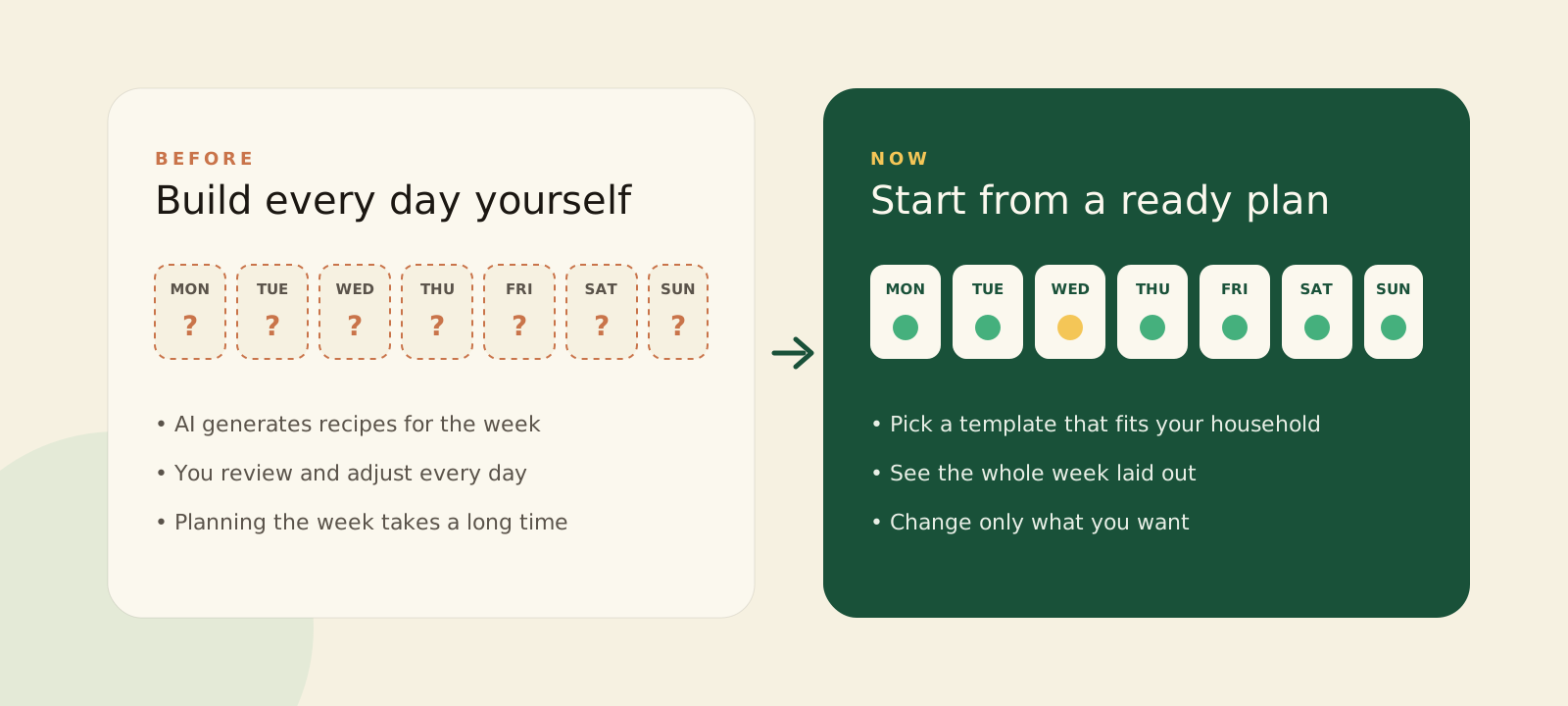
The journey is simple: choose a plan, make it yours, check what you already have, and order the groceries.
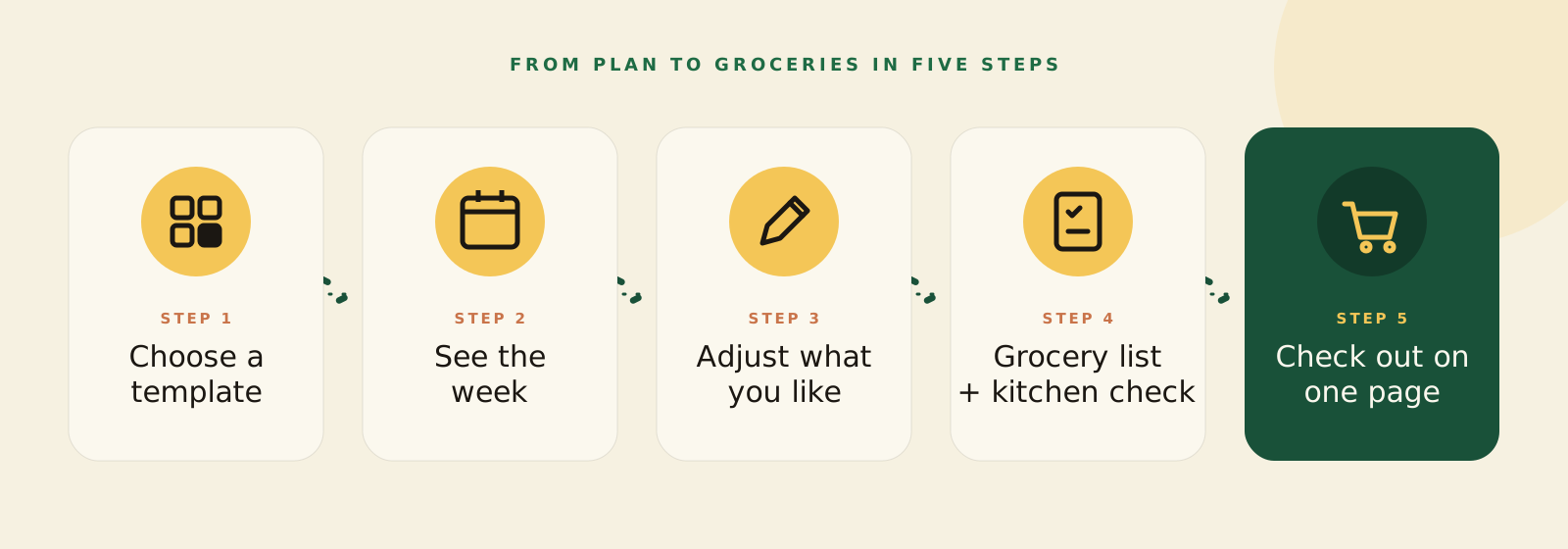
Find a plan that feels right for your family
Every household has its own food habits. Some prefer familiar regional meals. Some parents are constantly thinking about school lunchboxes. Others want to get through busy weekdays without having to decide what to cook every evening.
We have started with eight popular everyday templates, designed and approved by our operations team.
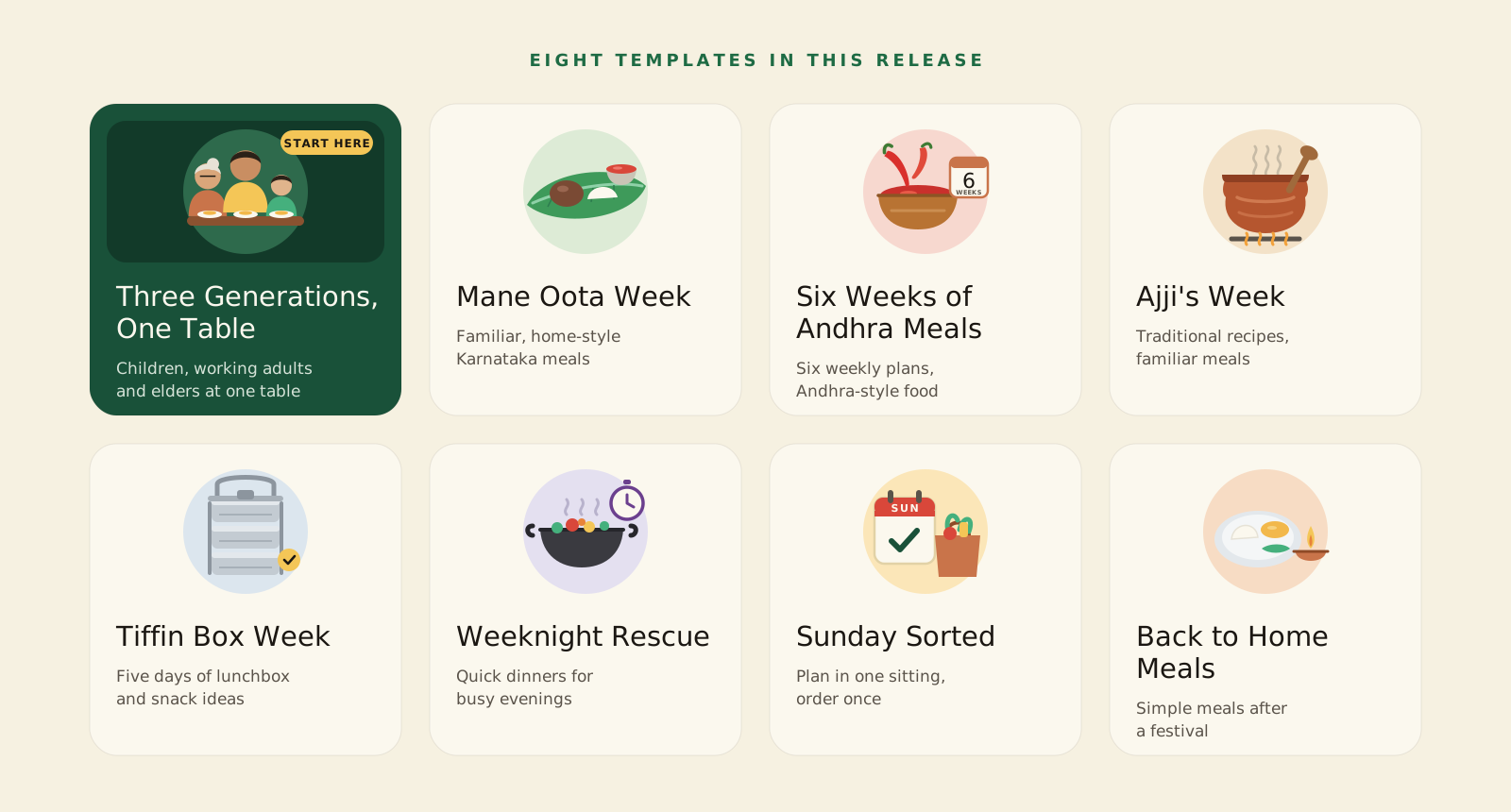
One template we’d particularly like to highlight is Three Generations, One Table.
In many homes, one person is thinking about what a child will eat, another about what the adults prefer, and someone else about what an older family member needs. This template starts with the whole table in mind. It also includes notes that flag common allergens to consider when adjusting the plan.
Those notes are prompts, not allergy advice. Always check ingredient labels, and if anyone at home has a food allergy, talk to their doctor.
A note about the templates: these eight plans are popular everyday meal plans designed by our operations team. They have not been reviewed by a dietitian. We will identify dietitian-designed and dietitian-reviewed plans separately when they become available. Every template page carries this information. A template for a health condition asks you to confirm, before you start it, that you understand it is general guidance and have checked with your doctor where needed.
What if none of the templates fits?
You can build your own.
Choose a name and goal, select breakfast, lunch and dinner for each day, add an optional snack, and choose the dishes and sides you want. You can check the meal details, including calories, carbohydrates, protein, fats and preparation time, before saving your plan.
A plan you create is always available to you. If you want to share it with other households, you can request a public listing. Our operations team reviews the request within two working days. If it is approved, other households can see it. If it isn’t, you’ll receive a notification explaining the reason in the app.
Pick a week. Make the changes you want.
Once you’ve chosen a template, the week is laid out for you across breakfast, lunch, snacks and dinner.
You don’t have to accept every meal exactly as it is. A main dish comes with its sides. You can browse dishes by type using filters, add a note when redoing a day, and change one meal or one day without changing the rest of your week.
Perhaps you like Monday’s breakfast but want to change dinner on Wednesday. You can make that adjustment without rebuilding the entire plan.
The aim is to give you a useful starting point, without taking away your choice.
From your meal plan to your grocery list
This is where the planning starts to save another bit of effort.
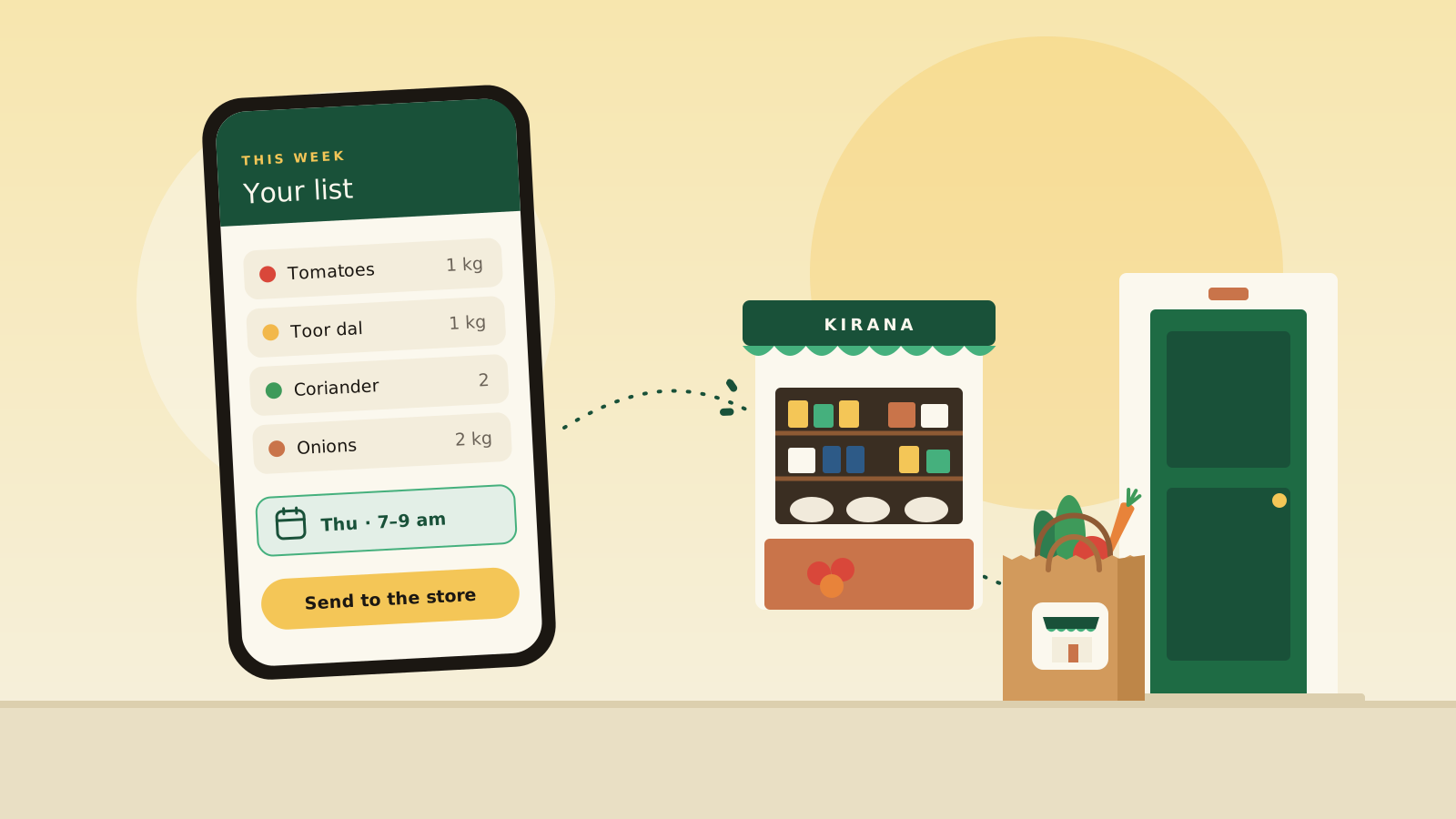
Every recipe lists the ingredients that go into your weekly groceries. Once you’ve confirmed your week, ShopConnect works out the grocery requirements and prepares a smart basket.
Before you order, you get a chance to check what is already in your kitchen. Items you have can be skipped or adjusted, so you don’t end up buying everything on the list again.
As you mark meals as cooked, your pantry gets updated too. You can also add items manually and use the quick kitchen check before placing an order.
The idea is simple: remember what you have, work out what you need, and make the grocery list from there.
Getting the week’s groceries home
Once your grocery requirements are ready, you can review the baskets and decide how you want them fulfilled. A week’s groceries can arrive in more than one delivery, each timed to freshness, and different stores can supply different baskets.
In the app walkthrough, the week’s groceries are organised into three deliveries, each timed to freshness. You can review the items in each basket, mark what you already have, choose stores and delivery slots, and see the costs before placing your orders.
You can choose your preferred store combination, select from the available store options, or choose a single store where that option is available.
The checkout brings the details together on one page: your address, the delivery day and slot for each store, and the total amount including fees. You can pay by card, UPI or netbanking.
After placing the orders, you can see the delivery schedule for each one. Your open orders update when a store changes their status, and the notifications screen keeps your updates together.
If your week produces multiple baskets or deliveries, you can review each one before placing the orders. The delivery schedule and total are shown at checkout.
Why this approach matters
We think meal planning and grocery shopping should work together.
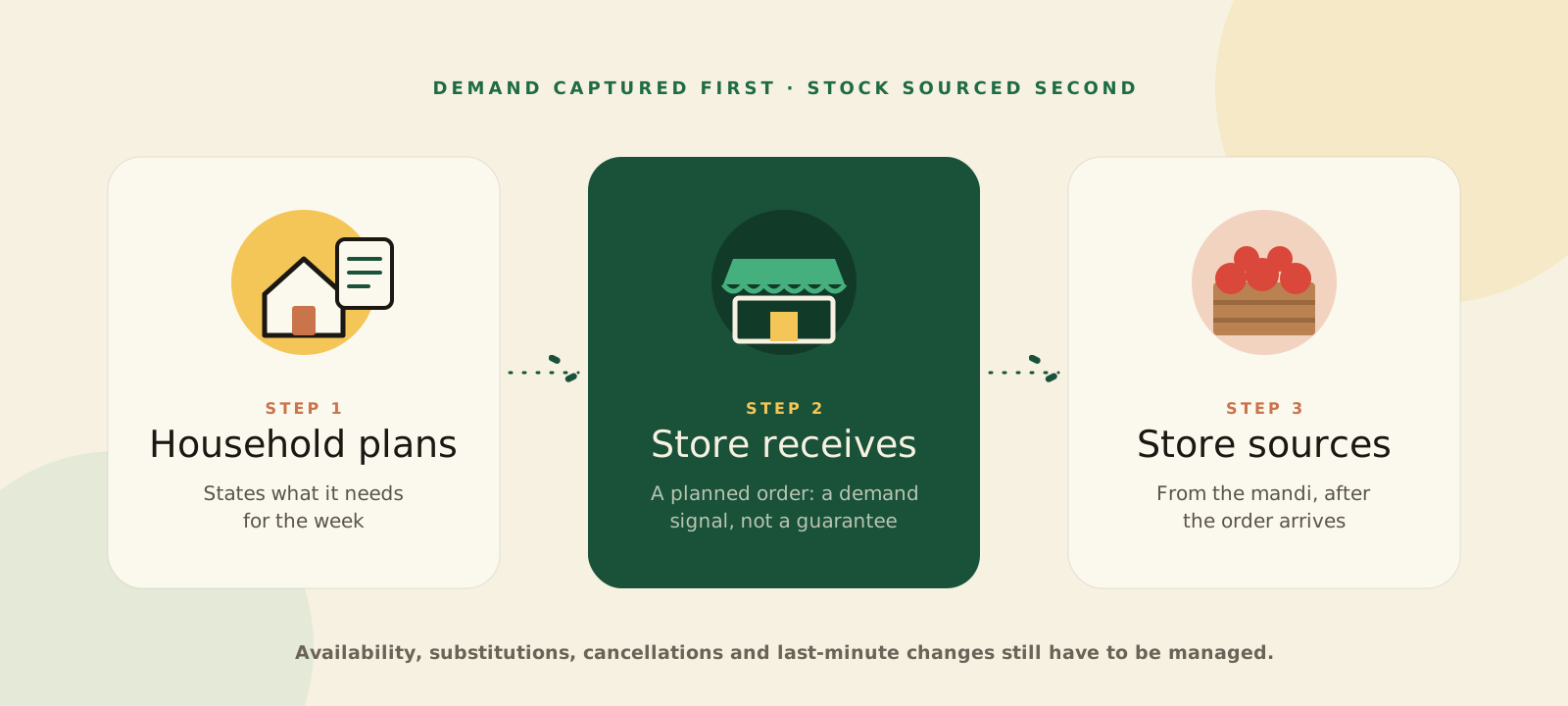
A family that has planned its meals has a better idea of what it needs. That plan can become a grocery order for a neighbourhood store. The store, in turn, gets to see the household’s demand before it procures the goods.
This connects with an idea we’ve written about before: Kirana Stores Don’t Need Saving. They Need Demand.
In our Indiranagar pilot, a planned order reaches a neighbourhood kirana, and the store sources after the order arrives. A planned order is a heads-up for the store, not a guarantee. Availability can change, and the store still has to manage last-minute requirements.
For households, the benefit is having one connected journey, from deciding what to cook to organising the groceries.
A word on balanced eating
We are not a nutrition company, and we don’t set nutrition standards. For balanced eating, we look to the ICMR-NIN Dietary Guidelines for Indians (2024).
The guidelines recommend adequate quantities from at least five to seven of ten food groups every day. Their My Plate for the Day illustration shows vegetables, fruits, green leafy vegetables, roots and tubers filling about half the plate.
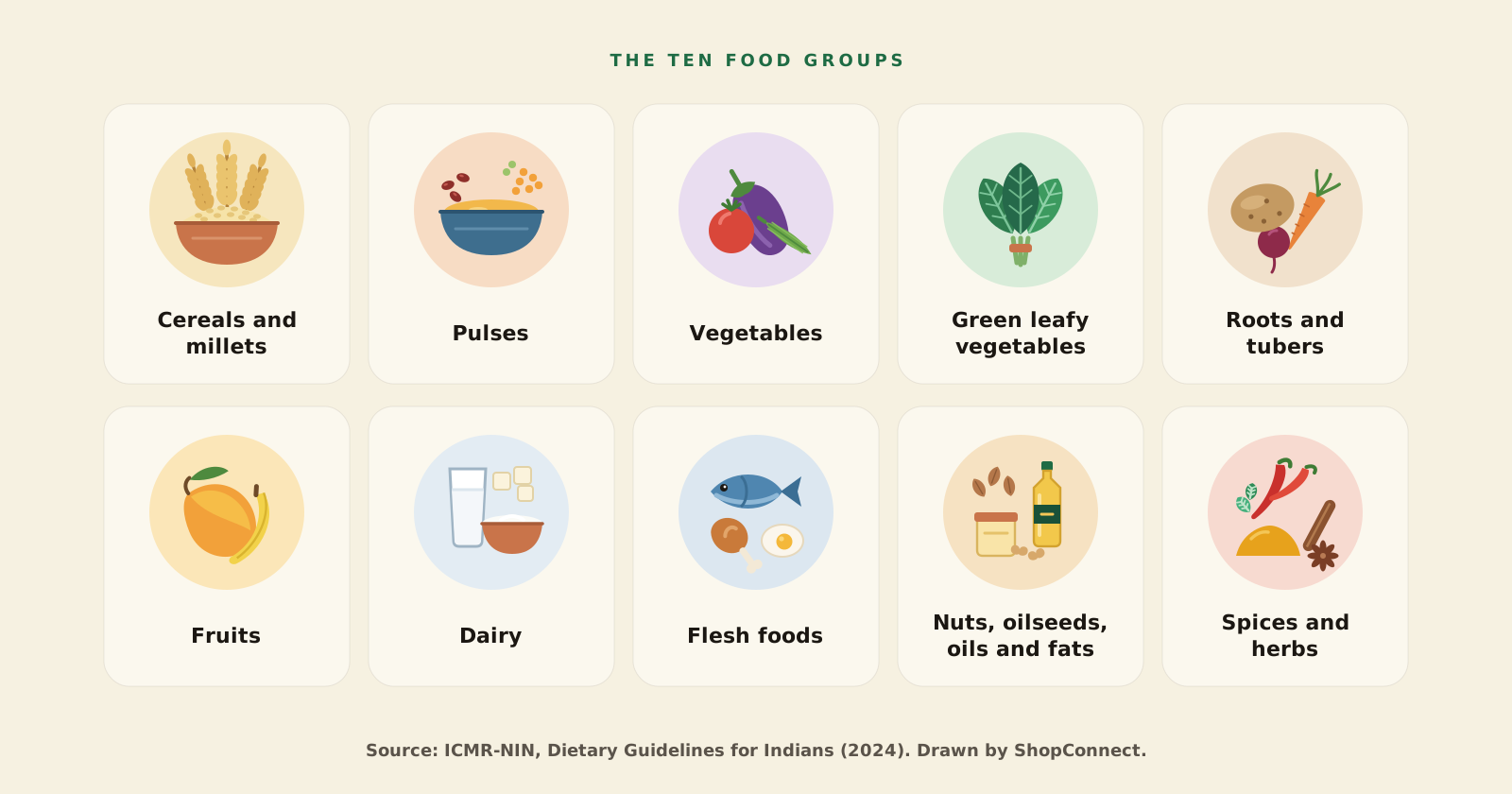
We include this reference because variety matters when planning meals. But a meal plan template is not a personalised nutrition plan. The templates in this release have not been reviewed by a dietitian, and they are not intended to manage health conditions.
For a specific health condition or dietary requirement, please speak to a doctor or a qualified dietitian. We plan to add dietitian-designed and dietitian-reviewed plans.
A sample week: Mane Oota Week
Here is what a week of dinners might look like in Mane Oota Week. This is an illustration, not medical advice. It shows one meal of the day, and breakfast, lunch, snacks and the rest of the day’s food matter too.
What to expect when you order
A few practical details are worth knowing before your first order.
- When will my order arrive?
- Your order is delivered in the slot you choose at checkout. The open order updates when the store changes its status, and notifications keep your updates in one place.
- What if something is wrong with my order?
- You can report a problem through the in-app help chat, item by item with photos, for up to seven days after delivery. The store's response comes back in the same chat, and you can ask about your refund status there.
- What if my plans change?
- You can ask the help assistant to move your order to another day or delivery slot.
- Where can I order?
- Grocery ordering is currently available in Indiranagar, Bengaluru. The meal plan experience and grocery-order service may have different availability, so check the app for the current service area.
A few more things we’ve made easier
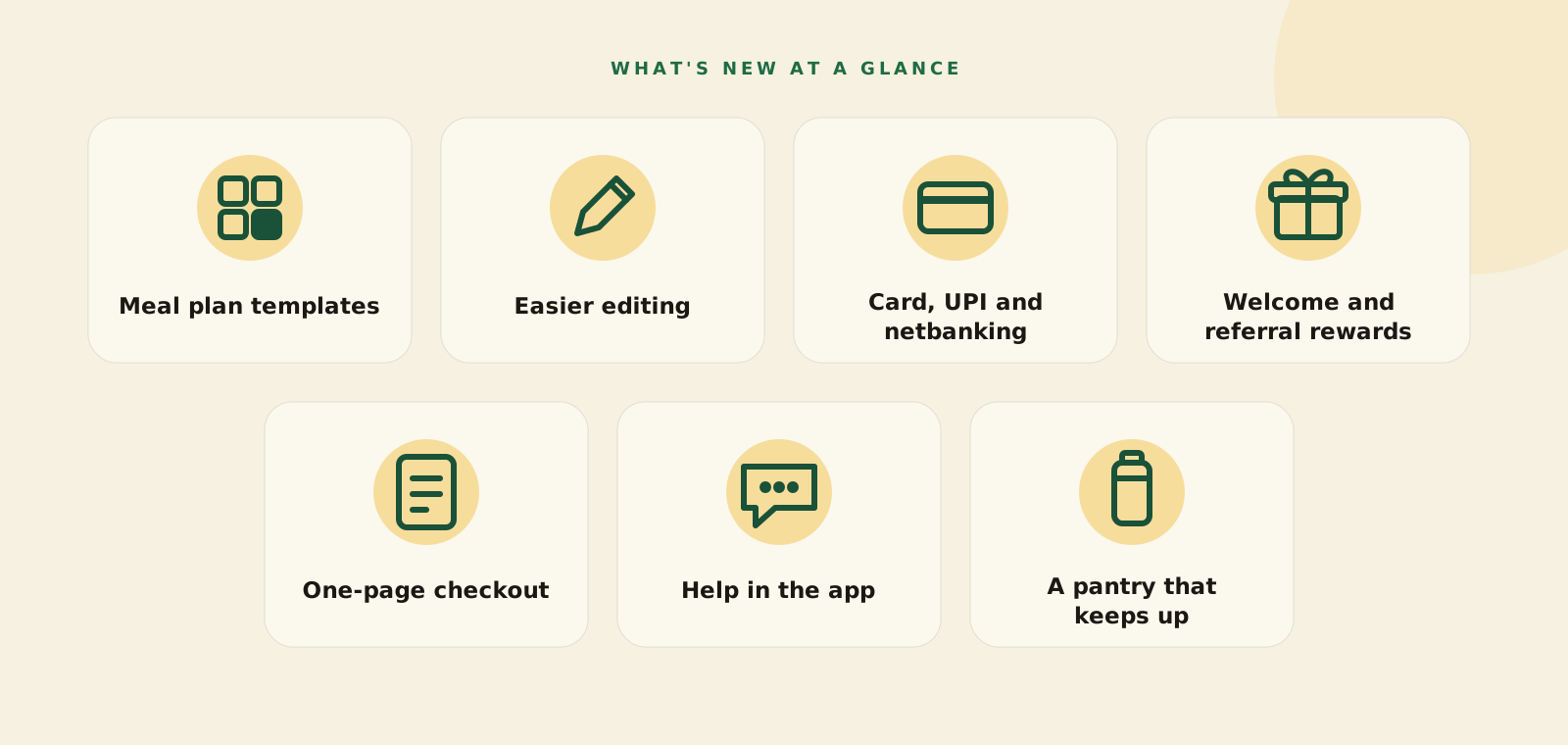
Alongside meal plan templates, this release includes a few other improvements to make the experience smoother.
- A quicker checkout. Choose your address, delivery day and slot for each store on one page, and see what you'll pay before placing your order.
- More ways to pay. Card, UPI and netbanking.
- Help when you need it. The in-app assistant knows your order and can answer questions about delivery times, cutoffs, payments and refunds, help move an order to another day or slot, and record a problem item with photos.
- A pantry that keeps up. Add items manually, check what you already have before ordering, and update the pantry as you mark meals cooked.
We have also introduced welcome and referral rewards for the soft launch. The details are below.
Try it this week
This is a soft launch for households in Indiranagar, Bengaluru. We don’t have published results yet. We want to learn whether households start a plan, complete their first week’s order and come back for the second.
If something doesn’t work for you, tell us. Your feedback will help us improve the experience.
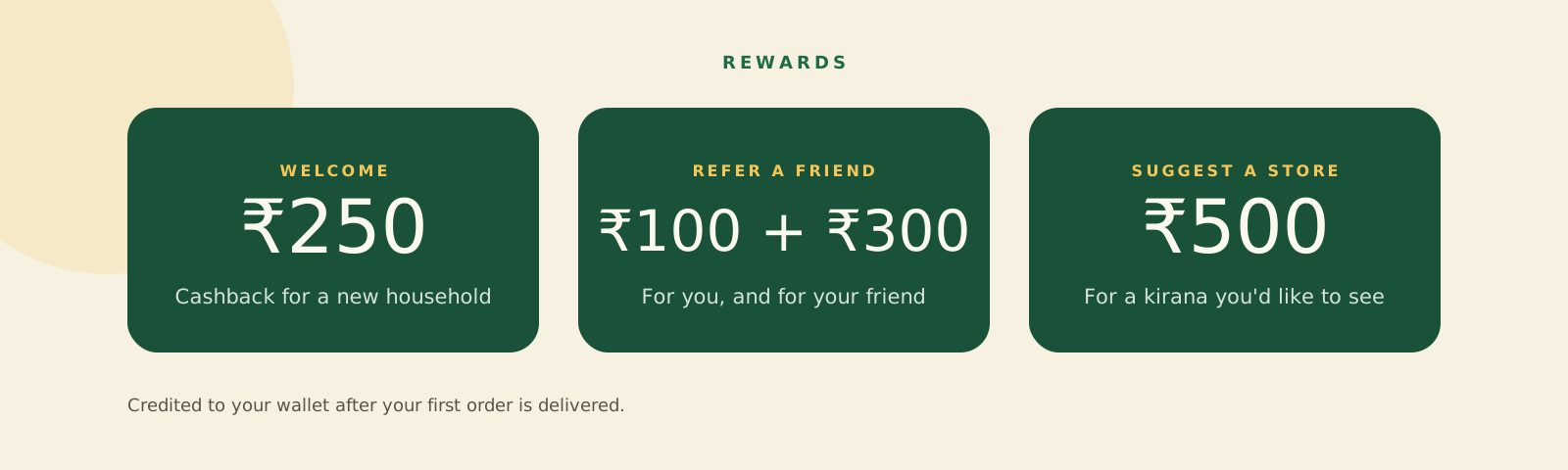
New households receive ₹250 cashback after their first order is delivered. If you refer a friend, you receive ₹100 cashback and your friend receives ₹300 cashback. You can refer as many households as you like.
If there’s a neighbourhood store you’d like to see on ShopConnect, suggest it. You’ll receive ₹500 cashback once that store goes live on ShopConnect.
How the cashback works
Cashback is credited to your wallet and used towards later orders, subject to the applicable wallet limits and offer terms. On each later order, your wallet pays part of the bill, up to a limit that depends on the order's size. The new-household cashback is paid once per household. The offers may change.
Choose a ready-made week, change only what you want, check what you already have and send the grocery list to a neighbourhood store.
Plan for my householdCurrently available for households in Indiranagar, Bengaluru.
Meal plans on ShopConnect are for general information and are not medical advice. For a health condition or specific dietary requirement, talk to a doctor or a qualified dietitian.
We’re building ShopConnect around the everyday needs of households and neighbourhood stores. If you have a question, a suggestion or feedback about the experience, we’d like to hear from you.
Write to the team building ShopConnect.
Store owners, households, distributors and brands: we read every message.